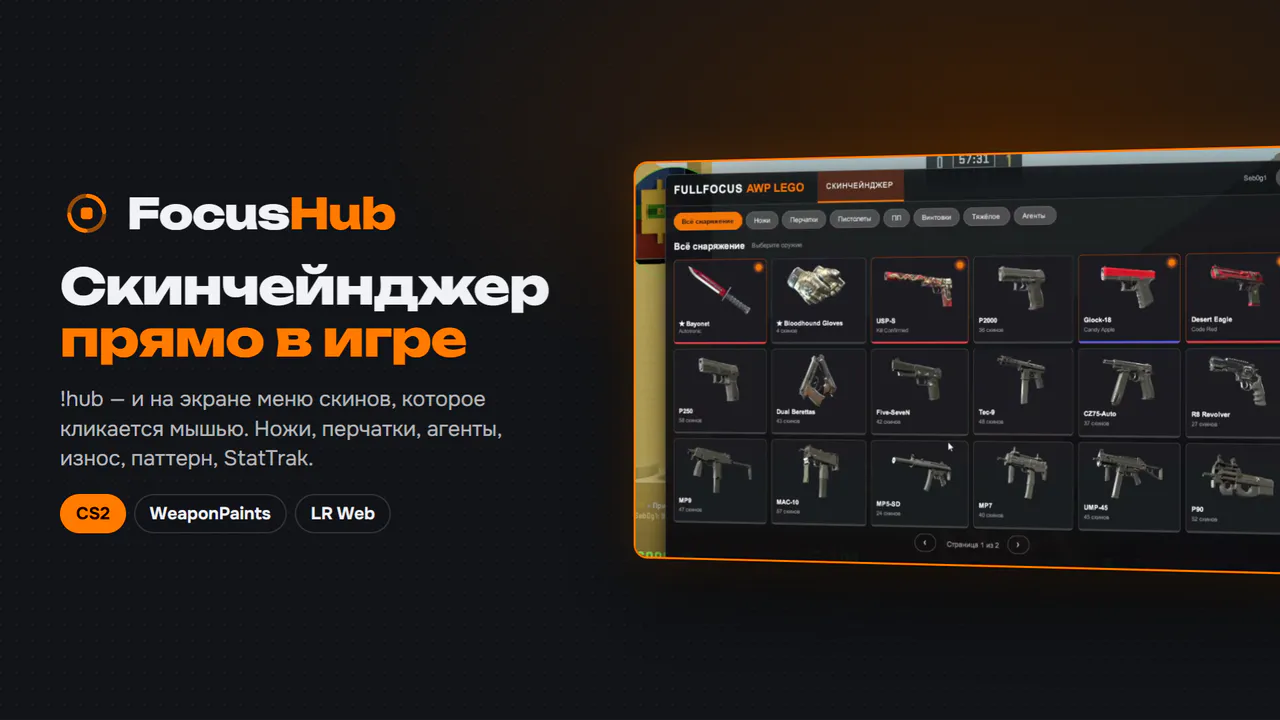
🎯 FocusHub — skins right in the game
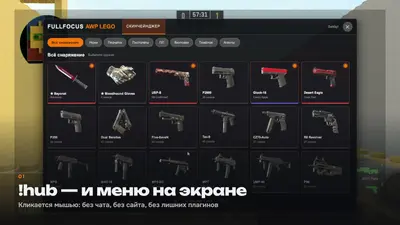
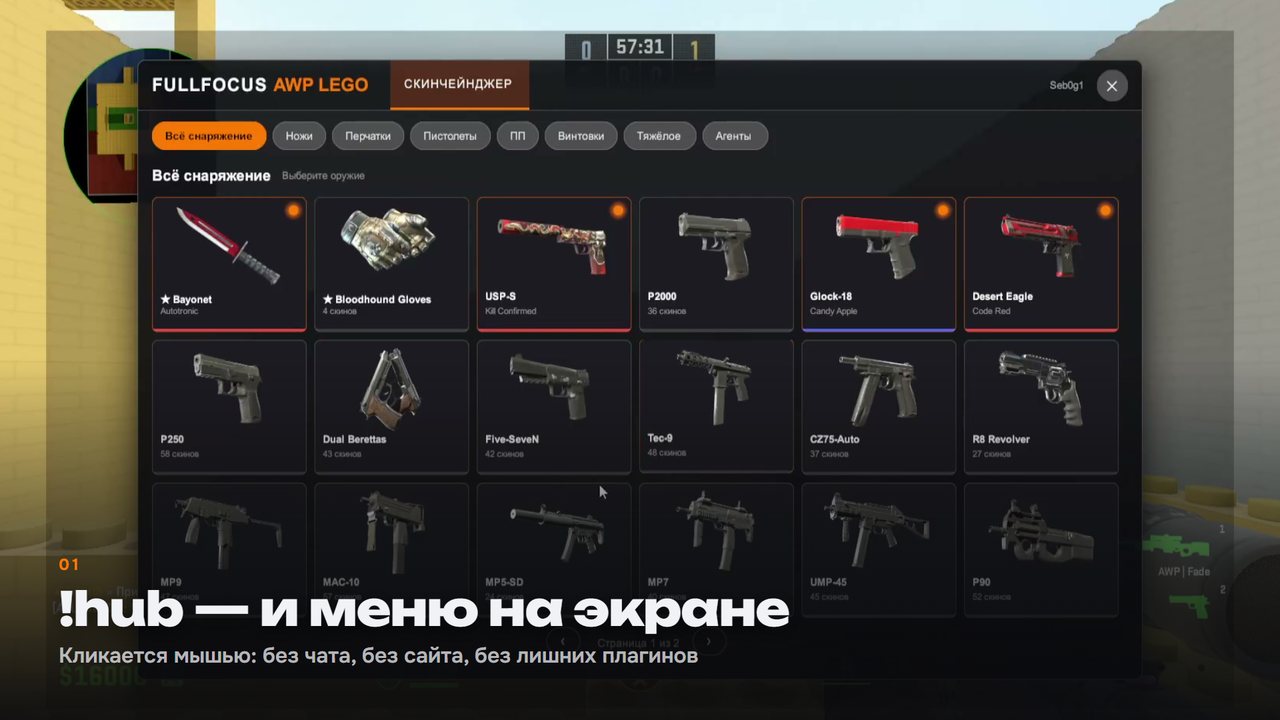
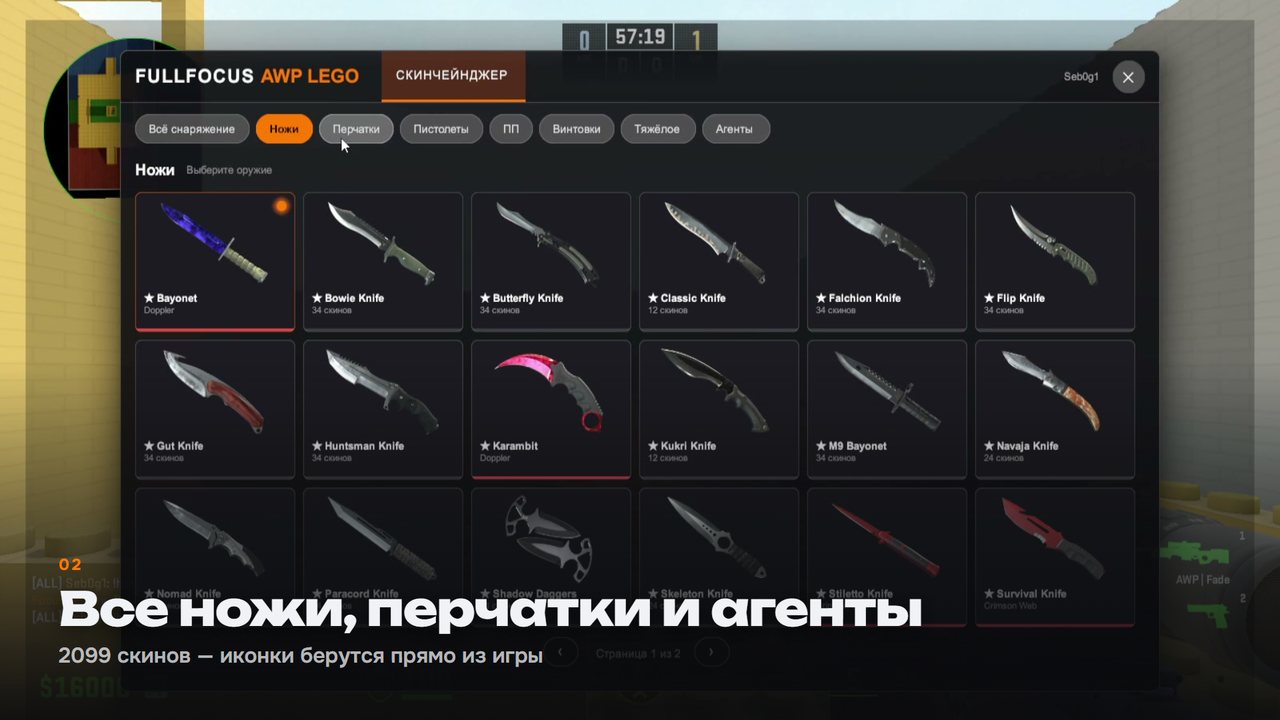
A player types !hub — and a mouse-clickable menu opens on the screen.
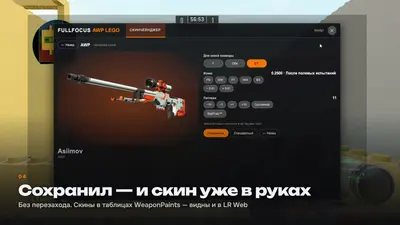
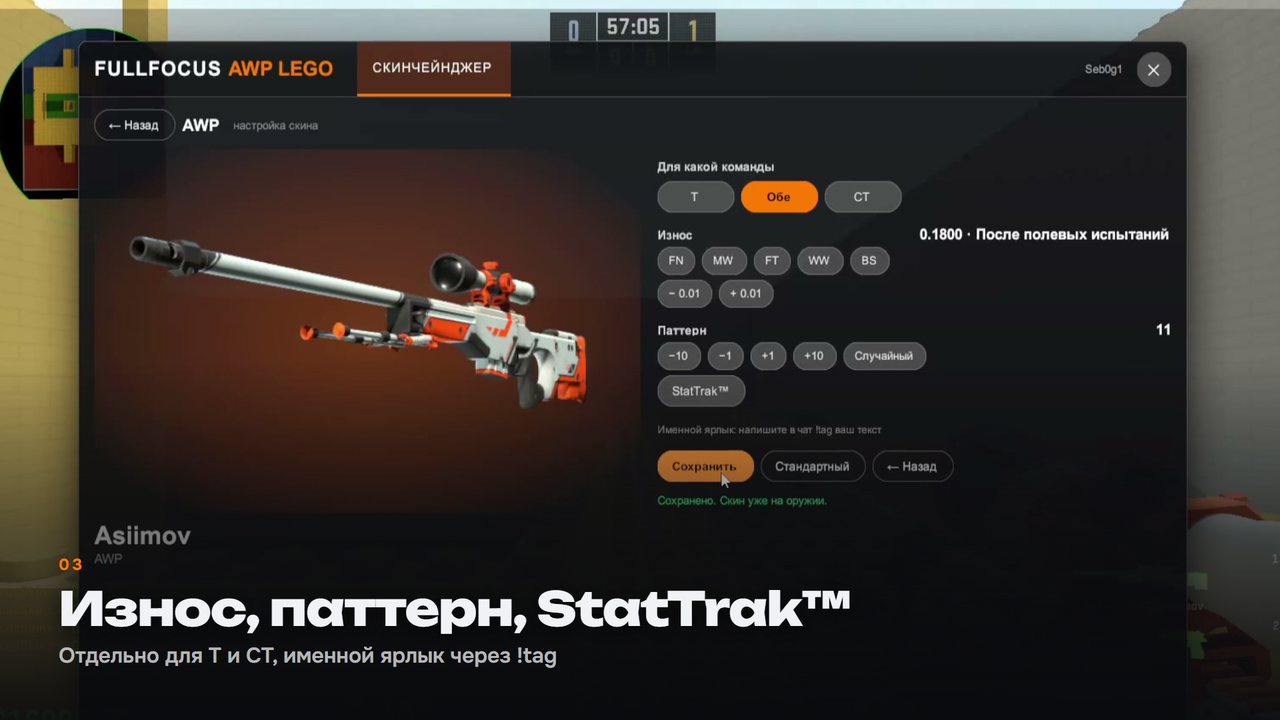
No number chat menus and website visits: selected a knife, adjusted wear, clicked "Save" — and the skin is already in your hands.
🎬 Watch how it works: youtu.be/L1EdC7GTDkc
🔪 What the player gets
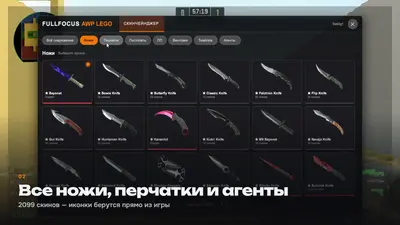
- All equipment — 2099 skins, all knives and gloves, 63 agents. Icons are fetched directly from the game
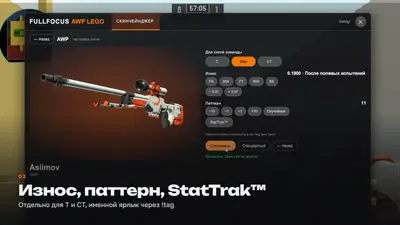
- Wear — via FN · MW · FT · WW · BS buttons and precisely by 0.01
- Pattern from 0 to 1000, StatTrak™ and name tag via
!tag
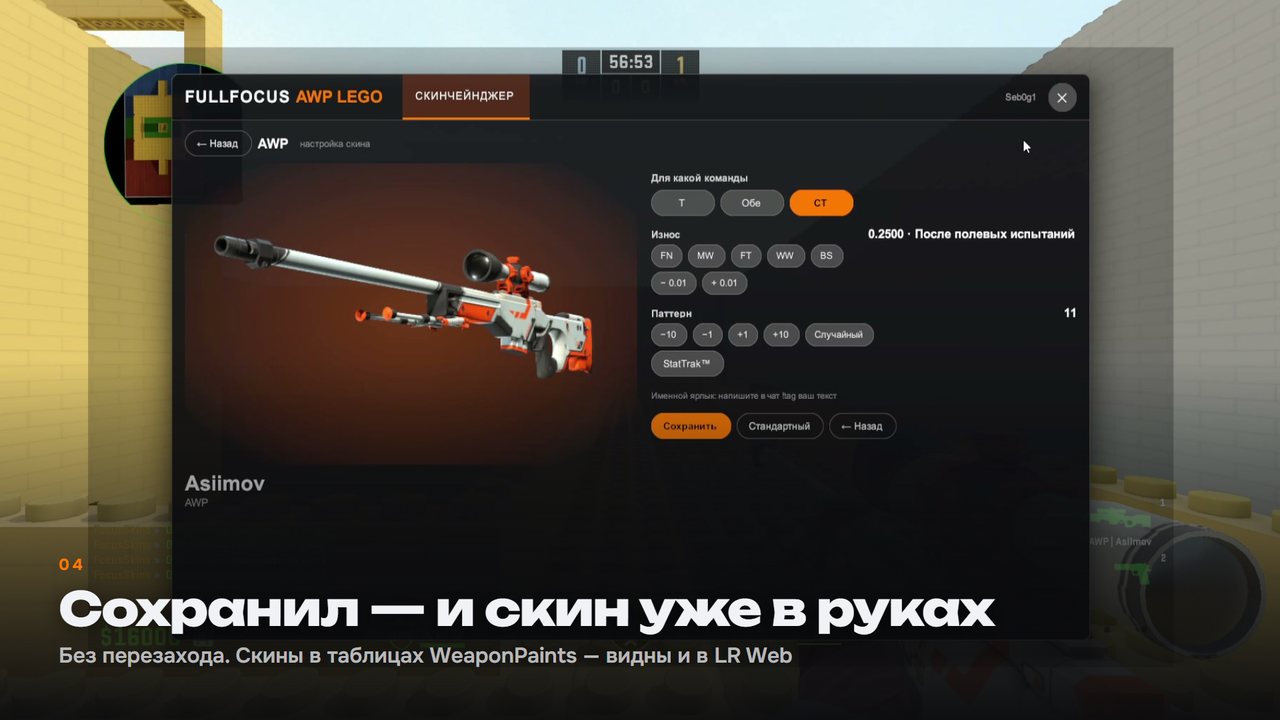
- Separately for T and CT — or immediately for both teams
- Instantly — the skin is equipped right after saving, without reconnecting
🎨 Menu for your project
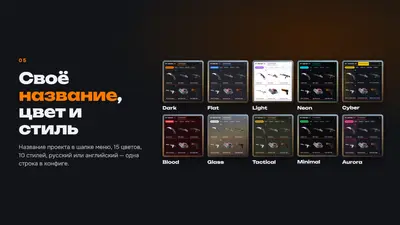
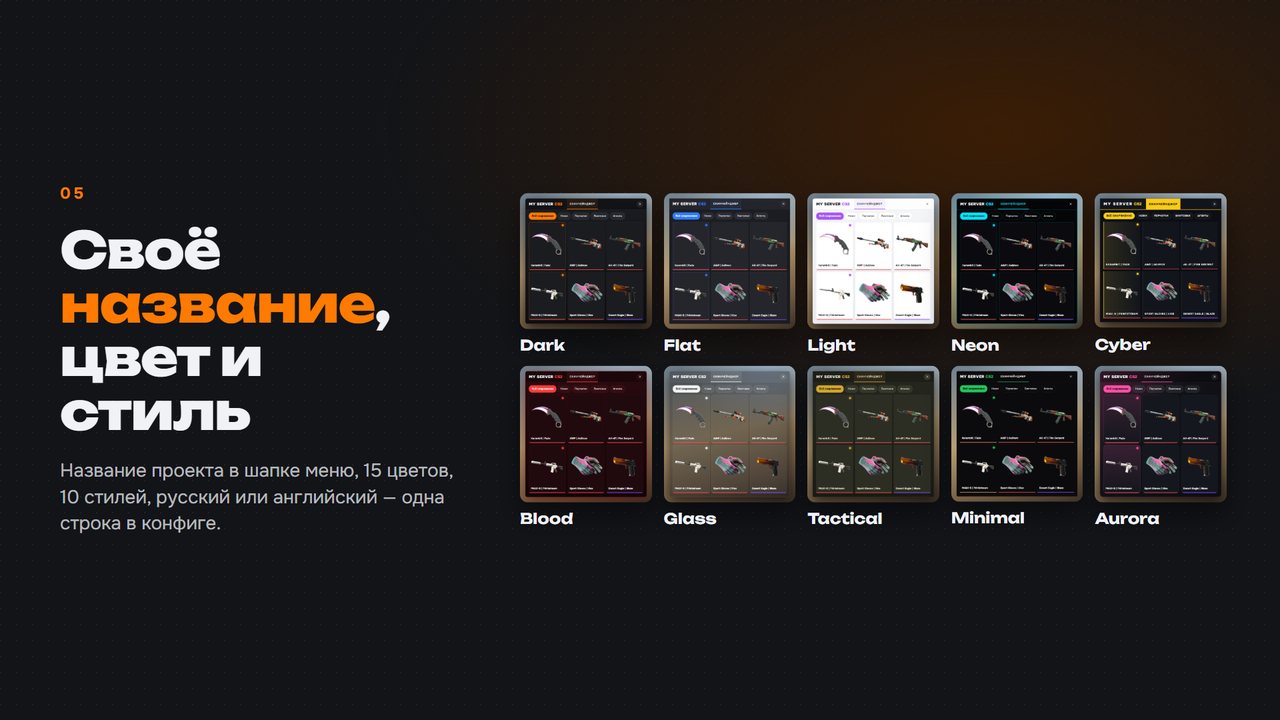
- Custom title in the menu header — instead of someone else's brand
- 15 colors × 10 styles — Dark, Flat, Light, Neon, Cyber, Blood, Glass, Tactical, Minimal, Aurora
- Russian or English menu language
- Custom open commands (
!hub, !ws, !skins…) and chat prefix
- VIP only — optional:
"RequiredPermission": "@css/vip"
🔗 Compatibility
FocusHub stores player choices in WeaponPaints tables. A skin selected in the menu is visible in the LR Web skin module on the website — and vice versa. Stickers and charms applied on the website are not lost.
- CounterStrikeSharp 1.0.376+ · Metamod:Source 2.x
- WeaponPaints · MultiAddonManager · MySQL / MariaDB
- LR Web —
module_page_skins in WeaponPaints mode
- Linux and Windows
🔑 License
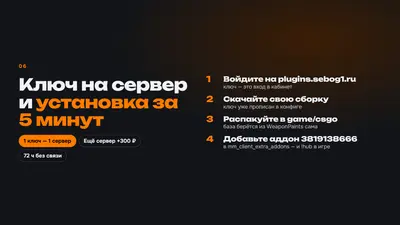
- One key — one server. The key is bound to IP and port upon the first launch
- Relocation or IP change — reset the binding in your account with one click
- Second server — 300 ₽. Purchase again and add the new key to the old one in your account: a single key will then work on both servers
- No panic during outages — if the license server is unavailable, the menu works for up to 72 hours
- Free updates — new versions available in your account
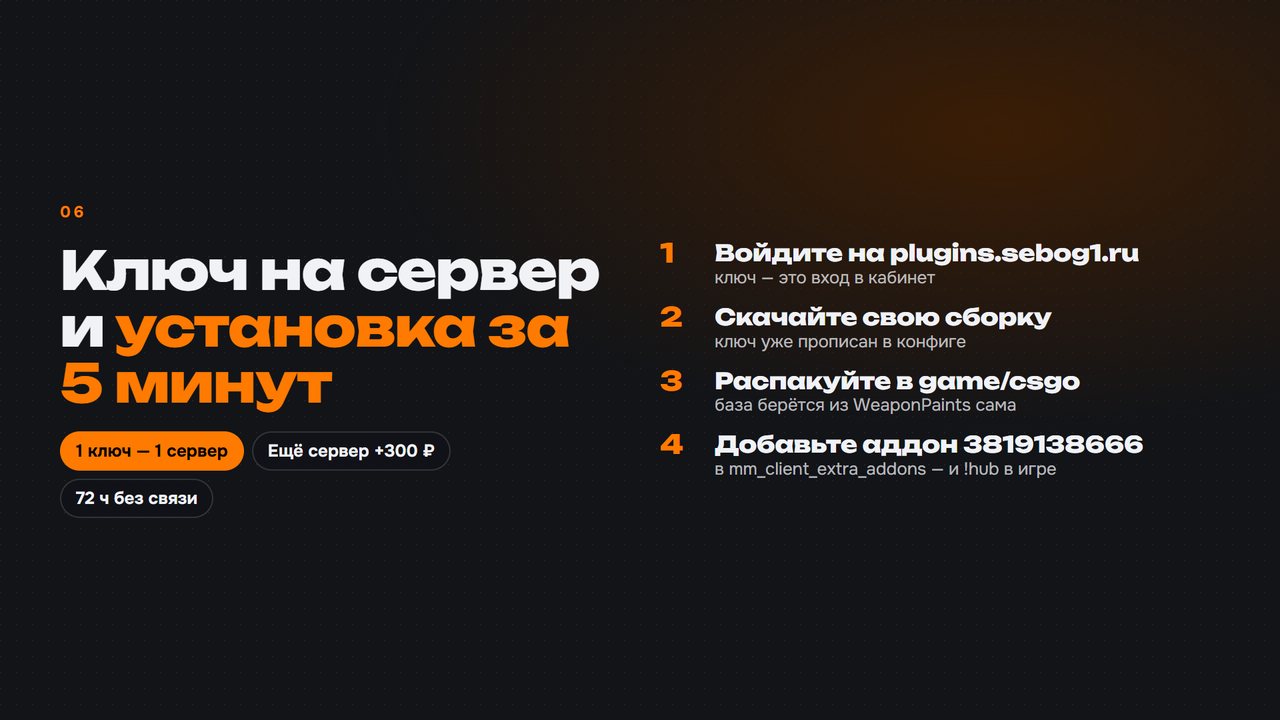
⚡ 5-minute installation
- Log in to your account at plugins.sebog1.ru/my using your key and download the build — the key is already specified in the config
- Extract the archive into the server's
game/csgo folder — the database will automatically pull from the WeaponPaints config
- Add the menu addon
3819138666 to mm_client_extra_addons (MultiAddonManager) — players will download it automatically
- Restart the server and type
!hub in chat
📘 Full documentation: plugins.sebog1.ru/docs/focushub
💬 Technical support: t.me/Seb0g